This TP Link AXE5400 review looks at the TP-Link Archer AXE75, a tri-band Wi-Fi 6E router with a 6 GHz band, VPN support, and mesh expansion options.
Archer AXE75 Review Summary
The quick verdict

5,000+ ratings
Read Amazon ReviewsTP-Link Archer AXE75
A tri-band Wi-Fi 6E router for households that want a dedicated 6 GHz band, device capacity, VPN options, and mesh expansion.
- Tri-band Wi-Fi 6E includes 6 GHz, 5 GHz, and 2.4 GHz bands, with stated maximum band rates of 2402, 2402, and 574 Mbps respectively.
- The 2.5Gbps WAN port supports a multi-gig connection from a compatible modem and service.
- A 1.0 GHz dual-core CPU and 512 MB memory handle router processing and network management.
- VPN server and client functions support OpenVPN, PPTP, and L2TP options.

Pros
- Tri-band Wi-Fi 6E includes a dedicated 6 GHz band.
- OFDMA is designed to enable simultaneous transmissions to more devices.
Consider before buying
- Most internet service providers require a separate modem, so include that equipment when planning a setup.
- Whole-home expansion through OneMesh depends on adding a TP-Link OneMesh extender.
Read the full review summary
The Archer AXE75 is aimed at homes with a mix of streaming, gaming, video calls, and other connected devices.
Its tri-band Wi-Fi 6E design includes a 6 GHz band, while OFDMA is intended to let more devices transmit at once; that combination makes it worth considering when your household wants to spread activity across bands.
It also offers VPN server and client functions, basic HomeShield security and parental controls, and OneMesh extender support.
It suits buyers who want those network tools and can make use of the 6 GHz band; OneMesh expansion uses a TP-Link OneMesh extender, and most internet providers require a separate modem.
The buying factors
Archer AXE75 Scorecard
Editorial scores reflect listed features and buyer fit; they are not laboratory measurements or customer ratings.
Wi-Fi band flexibility
Tri-band Wi-Fi 6E adds a 6 GHz band alongside 5 GHz and 2.4 GHz, giving compatible devices another band to use.
Multi-device capacity
OFDMA and tri-band operation are designed to increase capacity for simultaneous device transmissions.
Wired internet flexibility
The 2.5Gbps WAN port gives buyers a multi-gig WAN connection option, subject to matching modem and internet service.
VPN options
VPN server and client support covers several listed protocols, useful for buyers planning to manage remote access or route devices through a VPN.
Mesh expansion
OneMesh can extend coverage with a compatible TP-Link OneMesh extender, providing an expansion route within that system.
Built-in management and security tools
HomeShield includes basic security scanning, IoT identification, parental controls, QoS, and network reports for routine oversight.
Key Features and Specifications of Archer AXE75
- Tri-band Wi-Fi 6E includes 6 GHz, 5 GHz, and 2.4 GHz bands, with stated maximum band rates of 2402, 2402, and 574 Mbps respectively.
- The 2.5Gbps WAN port supports a multi-gig connection from a compatible modem and service.
- A 1.0 GHz dual-core CPU and 512 MB memory handle router processing and network management.
- VPN server and client functions support OpenVPN, PPTP, and L2TP options.
- OneMesh support allows expansion with a TP-Link OneMesh extender.
- HomeShield basics include security scan, IoT device identification, parental controls, QoS, and weekly or monthly reports.
Pros and Cons of Archer AXE75
Pros
- Tri-band Wi-Fi 6E includes a dedicated 6 GHz band.
- OFDMA is designed to enable simultaneous transmissions to more devices.
- VPN server and client support add network-access options.
- HomeShield offers basic parental controls and network oversight tools.
Consider before buying
- Most internet service providers require a separate modem, so include that equipment when planning a setup.
- Whole-home expansion through OneMesh depends on adding a TP-Link OneMesh extender.
- The 6 GHz band is most useful when the devices you want to connect can use Wi-Fi 6E.
Who Should Buy Archer AXE75?
Good fit
Choose the Archer AXE75 if your home has Wi-Fi 6E devices and you want tri-band networking with a 6 GHz band for compatible gear.
Its OFDMA feature is aimed at households where many devices need to transmit at the same time.
It also fits buyers who want VPN functions or basic parental controls and network reports built into the router’s feature set.
Confirm that your modem and internet plan can make use of the 2.5Gbps WAN port before choosing it for a multi-gig setup.
Who should skip it
Skip this router if access to the 6 GHz band is not part of your plan and you do not need its tri-band Wi-Fi 6E design.
In that case, its defining wireless feature may not add enough value to your setup.
Look elsewhere if your setup requires mesh equipment from a different ecosystem or a router that replaces the modem required by most providers.
Archer AXE75 Review Analysis
Making use of the 6 GHz band
The AXE75’s main buying case is Wi-Fi 6E tri-band operation.
The listing gives maximum rates for all three bands, but those figures are band-level specifications rather than a promise that one device will reach those rates in ordinary use.
Buyers should check that their devices support Wi-Fi 6E and consider the layout and internet plan when deciding how much the extra band matters.
Capacity for a connected household
OFDMA and tri-band operation target simultaneous activity across multiple devices, which is relevant in homes combining video streaming, gaming, and calls.
The practical fit depends on device compatibility, placement, and the connection entering the home; the feature set helps describe the design goal, but does not establish a particular speed or coverage outcome in every room.
Wired connection and setup planning
A 2.5Gbps WAN port can be useful when paired with a compatible multi-gig modem and service.
Most providers require a separate modem, so buyers should account for that component and verify that the service they pay for can use a faster WAN connection before making this router the centerpiece of an upgrade.
Network tools and expansion
The AXE75 combines VPN server and client functions with HomeShield basics and OneMesh extender support.
That is a useful mix for buyers who want controls and an expansion route from the same router family; check that the VPN protocols and extender ecosystem fit your existing devices and preferences.
Alternatives to Archer AXE75
Computer Routers alternative
1,000+ ratings
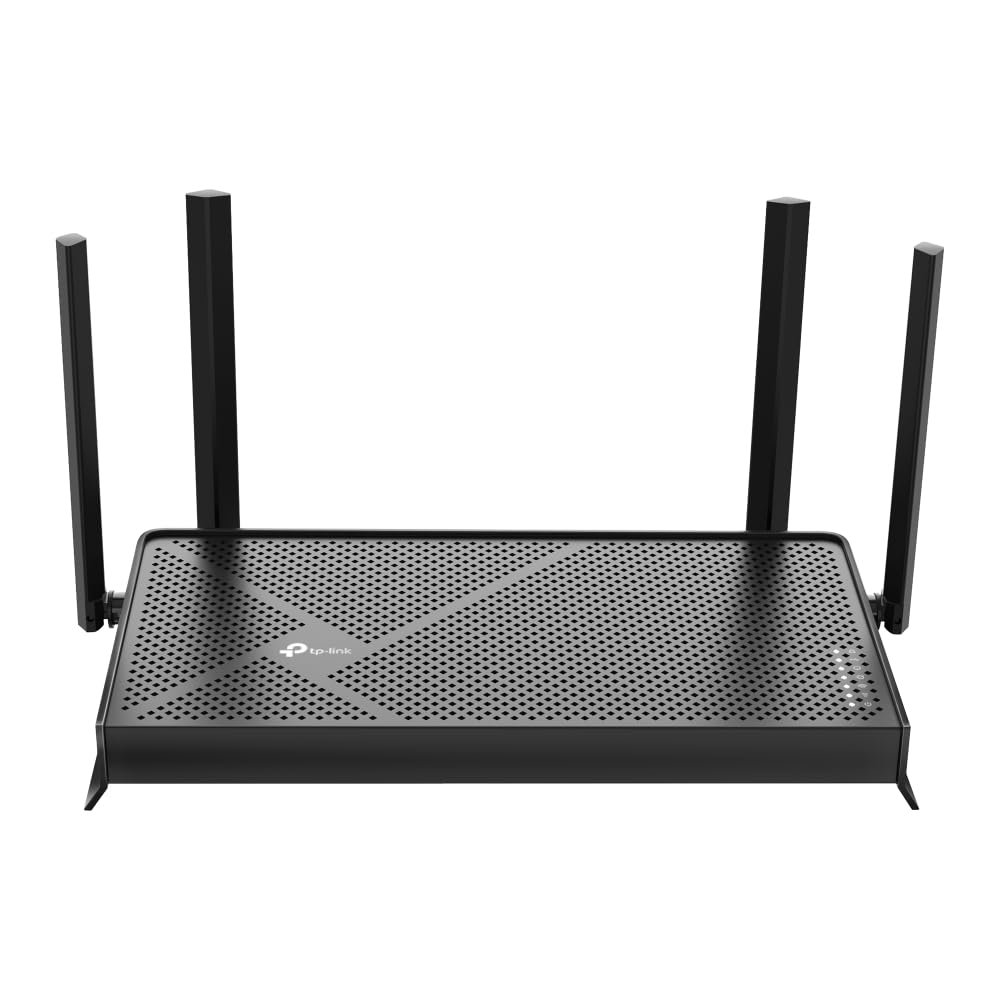
Read Amazon ReviewsTP-Link Archer BE230
Choose the BE230 if you want Wi-Fi 7 and its 2.5 Gbps WAN/LAN port; choose the AXE75 if 6 GHz access and tri-band Wi-Fi 6E are priorities.
- The Archer BE230 brings Wi-Fi 7 features and a 2.5 Gbps WAN/LAN port, but it is dual-band and does not support 6 GHz.
- The Archer AXE75 offers tri-band Wi-Fi 6E and a 6 GHz band for compatible devices.
Computer Routers alternative
1,000+ ratings
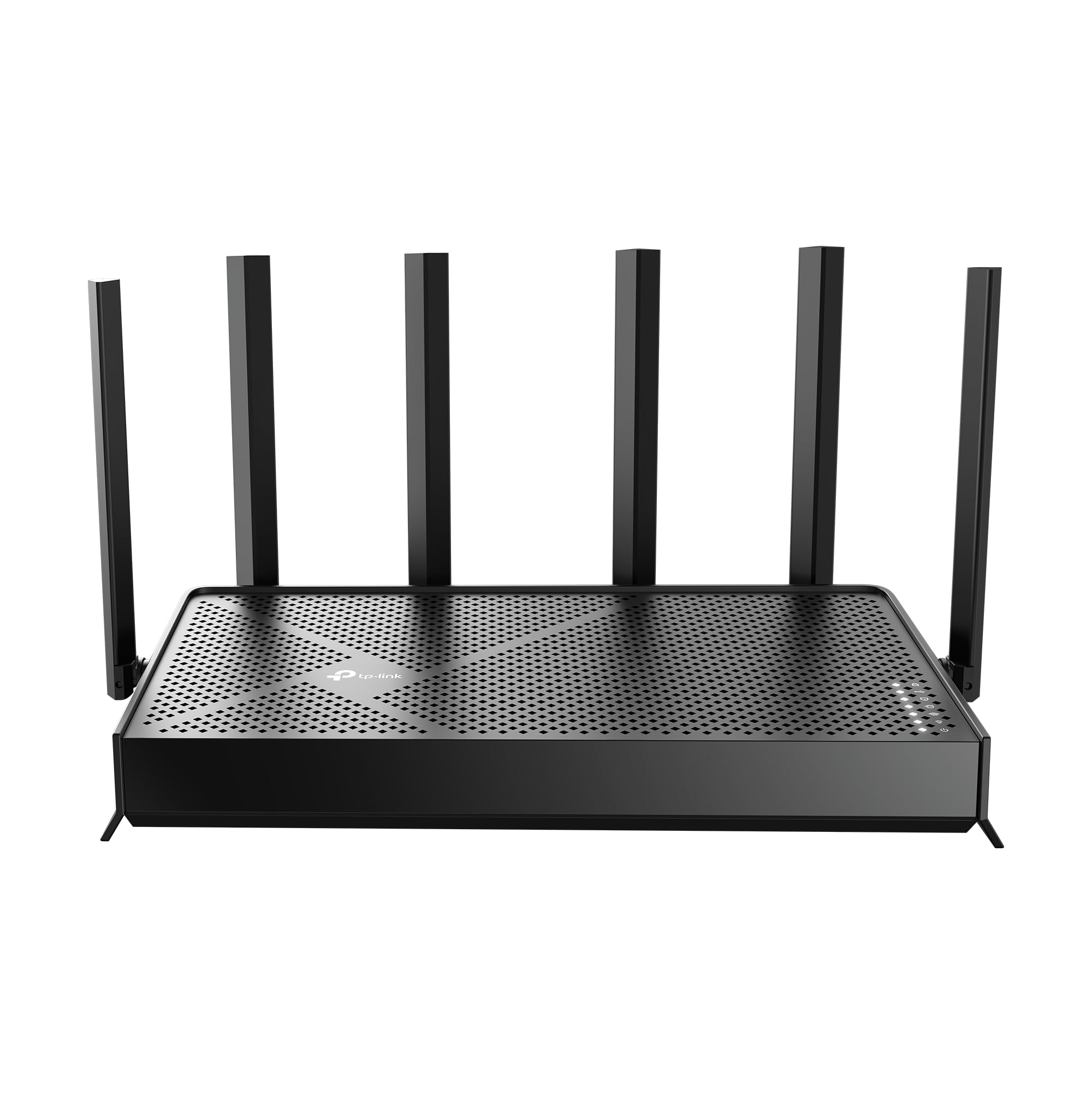
Read Amazon ReviewsTP-Link Archer BE400
Choose the BE400 if you want Wi-Fi 7, two 2.5 Gbps ports, and its stated capacity for up to 90 devices; choose the AXE75 if you specifically want a 6 GHz band and tri-band Wi-Fi 6E.
- The Archer BE400 is a dual-band Wi-Fi 7 model with two 2.5 Gbps ports and stated coverage for up to 90 devices.
- The AXE75 is a tri-band Wi-Fi 6E router with a 6 GHz band and a 2.5Gbps WAN port.
Is Archer AXE75 Worth It?
The TP-Link Archer AXE75 is worth considering for a household with Wi-Fi 6E devices that can use its tri-band design and 6 GHz band.
OFDMA, VPN server and client functions, basic HomeShield tools, and a 2.5Gbps WAN port broaden its appeal beyond basic wireless access.
Buy it when 6 GHz connectivity, VPN functions, and basic HomeShield tools fit your household’s needs, and factor in a separate modem if your provider requires one.
Its 2.5Gbps WAN port can suit a setup that needs a faster WAN connection; the 6 GHz band brings more bandwidth for compatible devices.
Your review at a glance
5,000+ ratings
Read Amazon ReviewsTP-Link Archer AXE75
A tri-band Wi-Fi 6E router for households that want a dedicated 6 GHz band, device capacity, VPN options, and mesh expansion.
- Tri-band Wi-Fi 6E includes 6 GHz, 5 GHz, and 2.4 GHz bands, with stated maximum band rates of 2402, 2402, and 574 Mbps respectively.
- The 2.5Gbps WAN port supports a multi-gig connection from a compatible modem and service.
- A 1.0 GHz dual-core CPU and 512 MB memory handle router processing and network management.
- VPN server and client functions support OpenVPN, PPTP, and L2TP options.