The best desk fans for a workspace balance focused airflow, manageable noise, and a setup that fits your desk and power access. These picks include dedicated desktop models and portable fans that can stand on a desk, so choose based on whether you value steady placement, adjustability, or easy portability.
Quick Top Products
Gaiatop 5-Inch Desk Fan
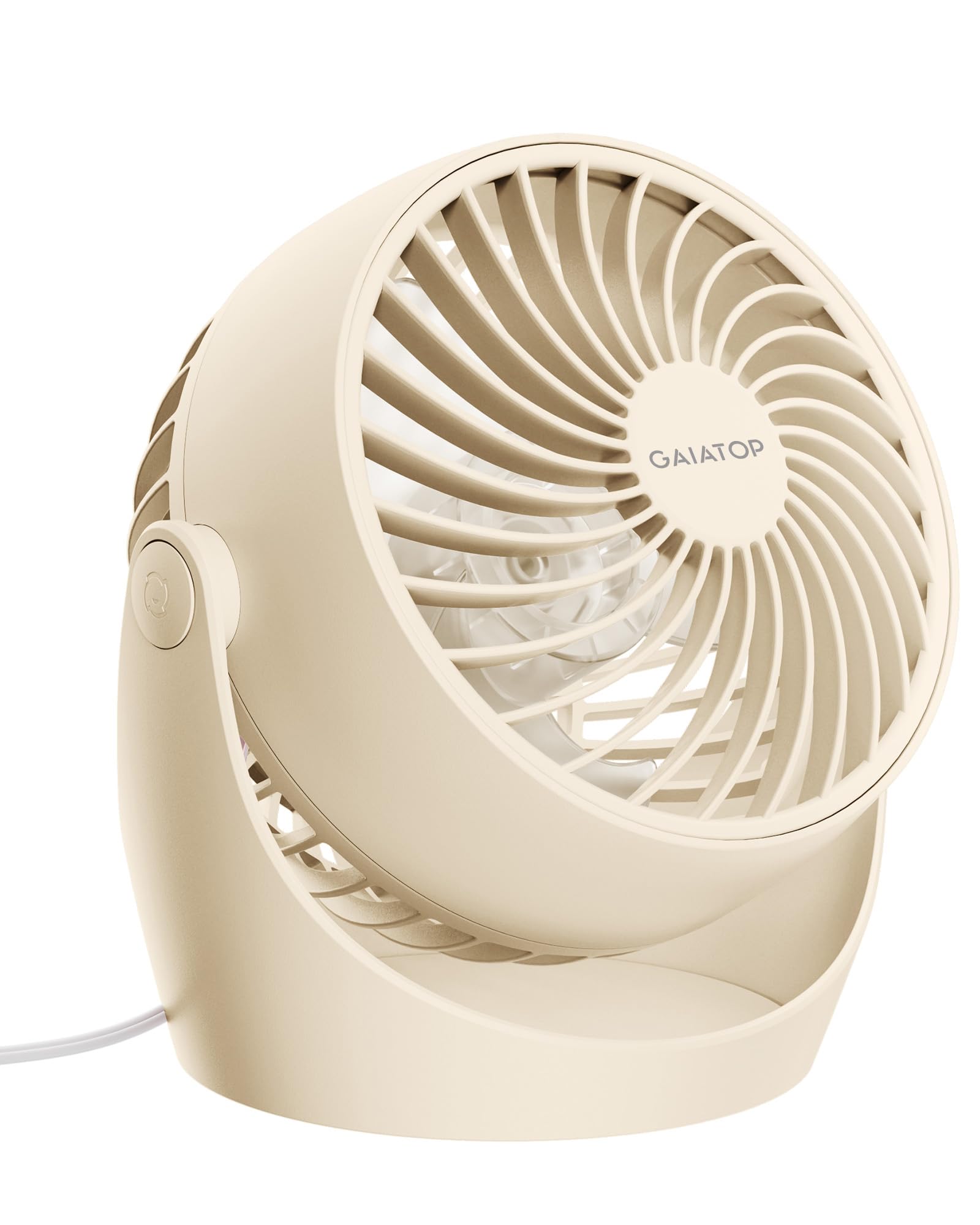
- Compact 5-inch table fan with 360° adjustable tilt.
- Runs from an AC plug with a 4.92 ft cable.
- Three speeds and a detachable front cover for cleaning.
Best For: A compact AC-powered fan for a bedroom, dorm, or home office desk.

Gaiatop 5.5-Inch USB Desk Fan
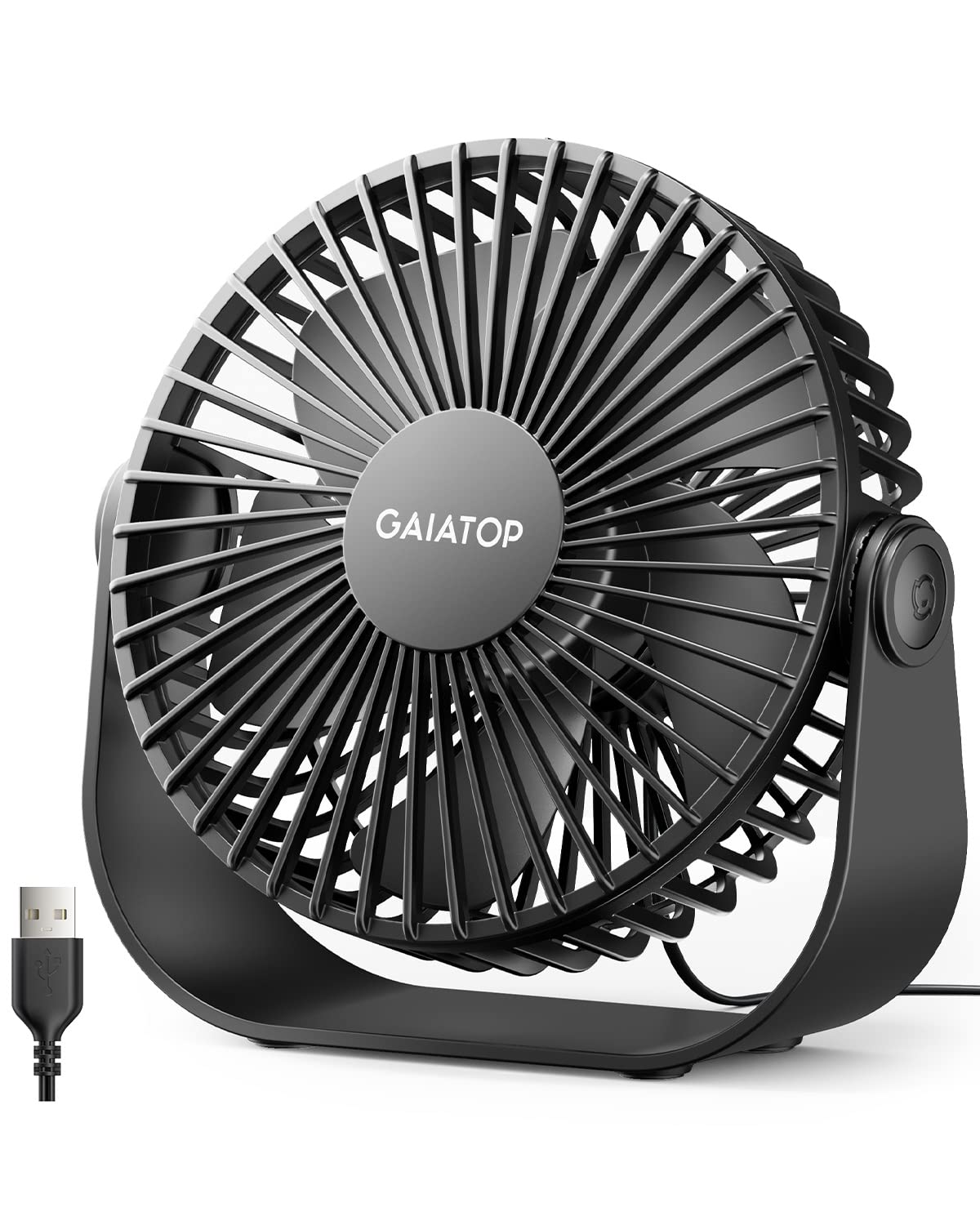
- Compact 5.5-inch USB-powered desktop fan.
- Three speed settings offer soft, high, and strong airflow.
- 90° tilt and rubber pads help with aiming and placement.
Best For: A USB-powered desk fan for workstations, dorms, and travel bags.
Ausic 30,000mAh Oscillating Fan
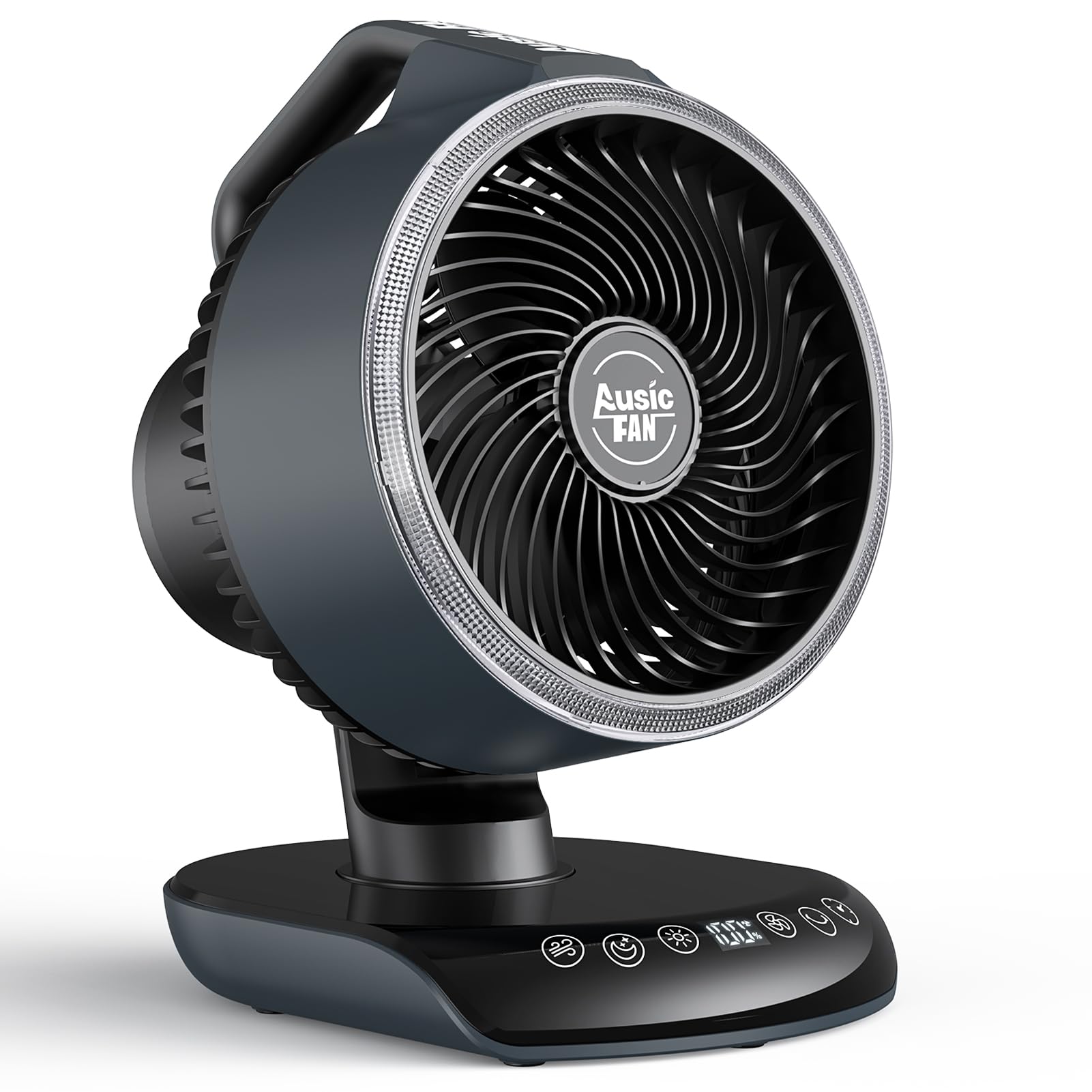
- 30,000mAh rechargeable battery with 17–80 hours of runtime depending on speed.
- Horizontal oscillation, vertical tilt, and five speeds.
- Includes a remote, timer, and adjustable warm light.
Best For: A larger portable desk fan for shared rooms, patios, or power-outage backup.
Gaiatop USB Desk Fan
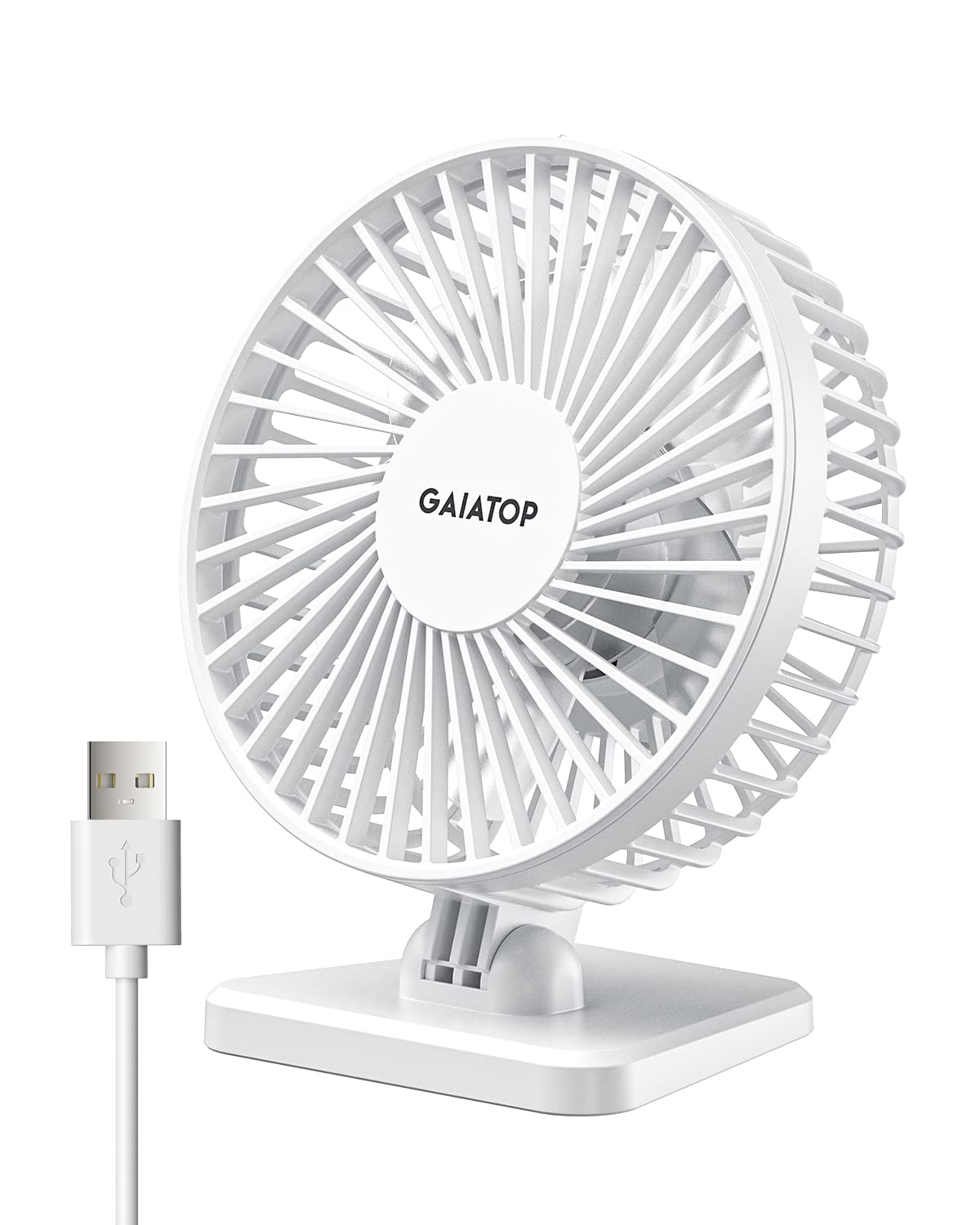
- Weighs less than 8 ounces and takes up little space.
- Three speeds adjust with repeated presses of the power button.
- The fan head adjusts vertically from 0 to 30 degrees.
Best For: A very light USB fan for personal airflow at a desk or while traveling.
Gaiatop Mini Portable Fan
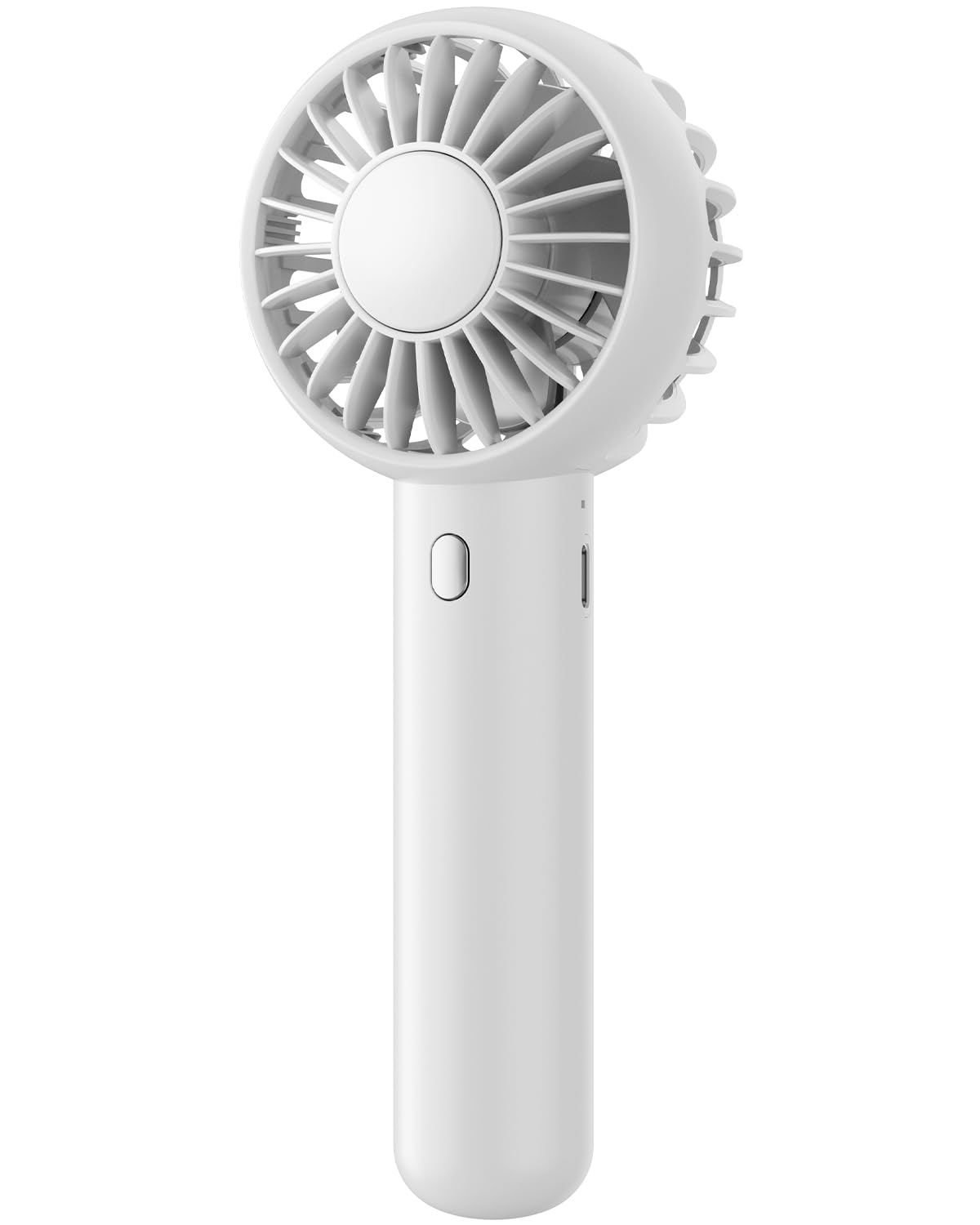
- Includes a base for desktop use and a lanyard for carrying.
- Three adjustable wind speeds.
- Compact 118 g design for a pocket or bag.
Best For: A compact fan that can switch between handheld use and a desk base.
Diveblues Handheld Turbo Fan
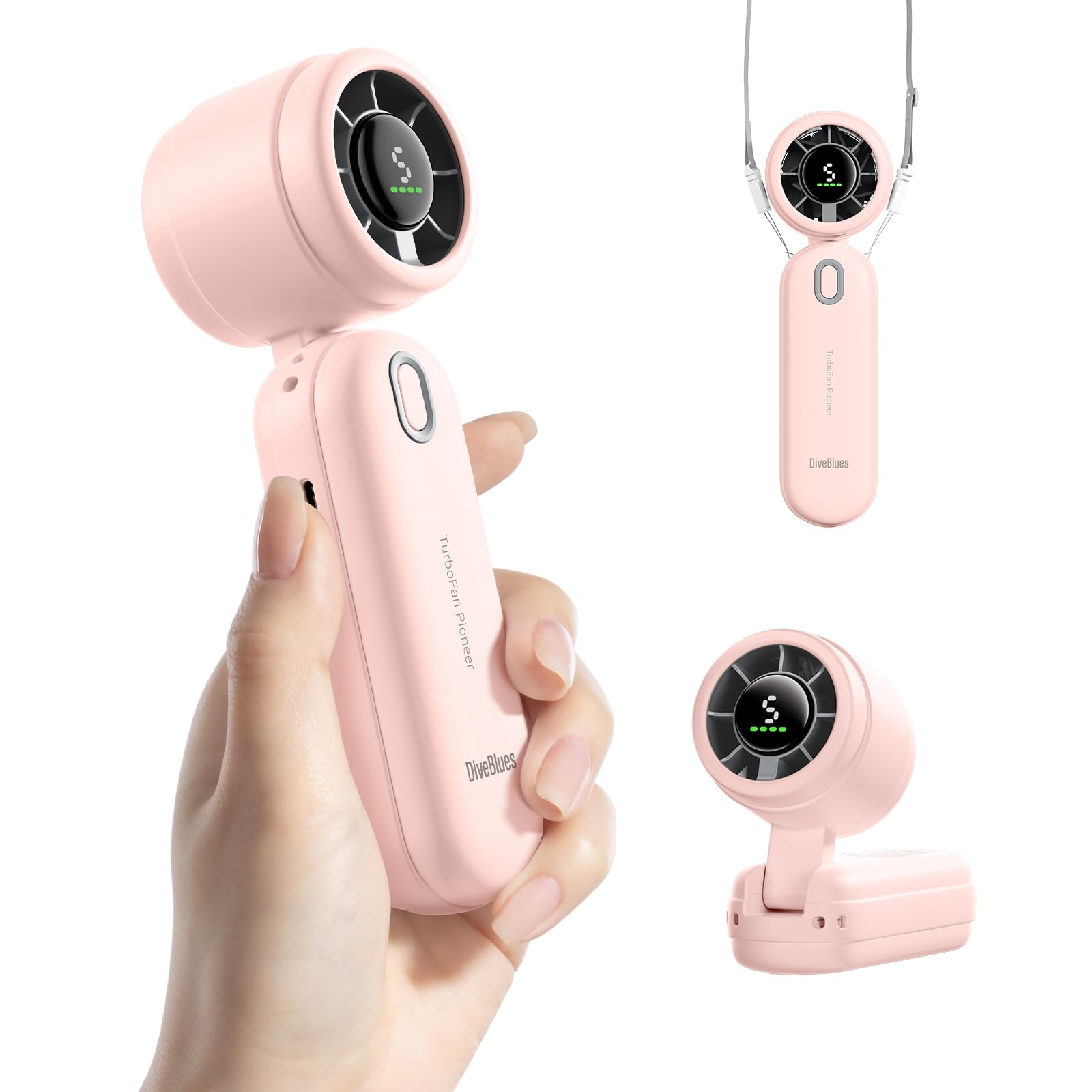
- The non-slip base supports tabletop use as well as handheld use.
- Five speeds adjust airflow for different situations.
- USB-C charging and up to 6 hours of use per charge.
Best For: A compact handheld fan that can stand on a desk and run for several hours.
Gaiatop Portable Clip-On Fan
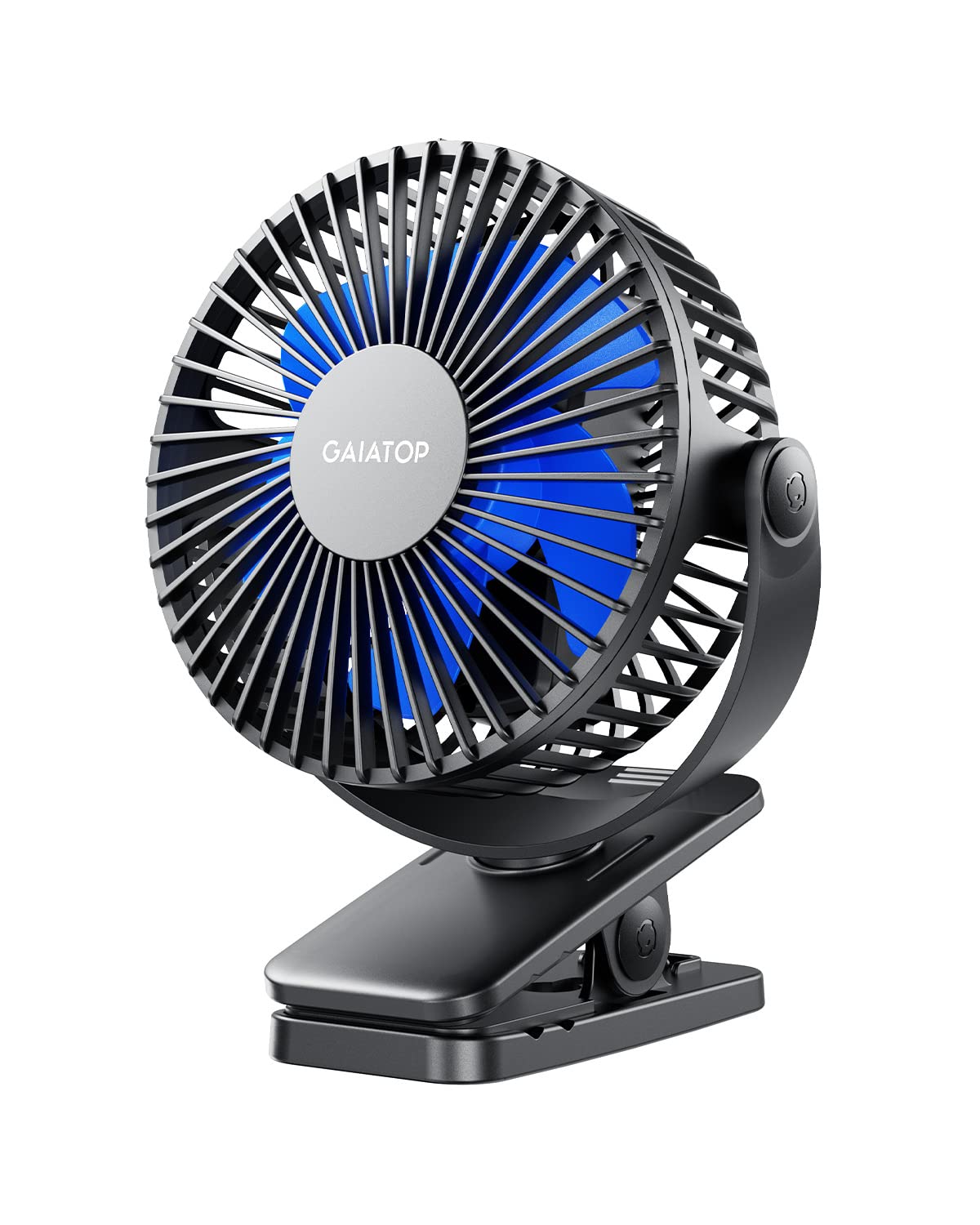
- Clip mounts on surfaces up to 1 inch thick.
- The head rotates 360° horizontally and vertically.
- A 2,000mAh battery supports 3.5–10 hours depending on speed.
Best For: A fan that can attach to a desk edge, stroller, or other surface up to 1 inch thick.
Quiet Air Circulation
Gaiatop Desk Fan, 5-Inch Portable Electric Table Desktop Air Circulator Fans, Small but Powerful with 3 Speed 360° Adjustable Tilt for Cooling Home Dorm Office Bedroom Bathroom Kitchen, Beige
The Gaiatop 5-Inch Desk Fan is a dedicated table model with a compact footprint and a 360° adjustable tilt, making it easy to direct airflow toward a chair, bed, or workspace. It uses an AC plug and includes a 4.92 ft cable, so it does not depend on a nearby USB port or a charged battery.
The fan has three manual speeds and a detachable front cover for cleaning the blades and grille. Its small size suits desks and bedside tables, while the corded design is less flexible if you want to move it far from an outlet.
Best For: A compact AC-powered fan for a bedroom, dorm, or home office desk.
| Pros | Cons |
|---|---|
|
|
Choose this model if you want a compact, dedicated table fan with a wide aiming range and simple manual speed control. Its AC plug keeps it ready at a fixed desk, but the attached cable limits how freely you can reposition it.
The detachable cover is useful if regular cleaning matters. Check that the outlet and cable reach work for your desk before buying.
USB Desk Setup
Gaiatop USB Desk Fan, 3 Speeds Strong Airflow, 5.5 Inch Portable 90° Rotate Quiet Cooling, Small Personal Table Fans for Bedroom Home Office Travel Black
This Gaiatop is a small desktop fan built around USB power, with a 5.5 by 5.9 by 2.2 inch body and a 4.9 ft cord. Three airflow settings give you a choice from soft to stronger wind, and the head tilts up to 90° to direct air where you need it.
The USB connection works with a PC, laptop, power bank, AC adapter, or car charger that provides USB power. That flexibility makes placement easier around electronics, though it does require a compatible power source rather than operating as a standalone rechargeable fan.
Best For: A USB-powered desk fan for workstations, dorms, and travel bags.
| Pros | Cons |
|---|---|
|
|
Pick this fan for a desk where USB power is more convenient than an AC plug. Its long cord and tilting head provide more placement options than a fixed-angle mini fan, while the base still needs a suitable flat surface.
It is a practical fit for a laptop desk or dorm shelf. Check the USB source location and available space before settling on a placement.
Cordless Wide-Area Coverage
Ausic 30000mAh Portable Fan Rechargeable, Powerful Indoor & Outdoor Battery Powered Fan, Oscillating Fan with Remote & Turbo Blade, Quiet Desk Fan for Home, Patio, Sports, Camping, Beach
The Ausic brings battery operation and oscillation to a desk fan format. Its 30,000mAh battery is rated for 17–80 hours depending on speed, and the fan can swing horizontally at 60° or 120° with a 90° manual vertical tilt.
Five manual speed settings and two wind modes give it broader room and desk use than compact personal fans. A remote controls speed, oscillation, timer, and modes, and the fan also includes an adjustable warm light.
Its larger feature set suits a bedside table or shared workspace, but it takes more room than pocket-size models.
Best For: A larger portable desk fan for shared rooms, patios, or power-outage backup.
| Pros | Cons |
|---|---|
|
|
This is the strongest fit for someone who wants a desk fan to serve a wider area or move between indoor and outdoor spots. Battery operation, oscillation, and remote adjustments add flexibility, while its size and feature set are more than needed for a personal breeze at a tightly packed workstation.
Consider whether you have room for the larger body and whether cordless placement is useful enough to justify choosing this more substantial design.
Lightweight Personal Breeze
Gaiatop USB Desk Fan, Small But Powerful, Personal Portable Quiet 3 Speeds, Adjustable Mini Table Desktop fan for Cooling Home Office Car Summer Travel Gifts White
The Gaiatop USB Desk Fan is a straightforward personal fan with three speeds and a vertically adjustable head that turns from 0 to 30 degrees. Its compact build weighs less than 8 ounces and is intended for desk, car, home, or travel use.
USB power allows connection to a laptop, power bank, adapter, or car charger, making it easy to carry between locations where those sources are available. This is a simple option for cooling one person at close range.
Its narrower adjustment range and USB dependence make it less suited to broad room circulation or fully cordless use.
Best For: A very light USB fan for personal airflow at a desk or while traveling.
| Pros | Cons |
|---|---|
|
|
Choose this model if you want a light personal fan that can move with you between a desk, car, and travel bag. Its three speeds cover basic cooling needs, but the limited tilt makes it less adaptable than a fan with a broader aiming range.
USB power also means it relies on an external source. Check whether the fixed low-angle adjustment suits your desk height and seating position.
Handheld Fan With Desk Base
Gaiatop Mini Portable Fan, Small and Powerful, Cute Design 3 Speed Personal Handheld fan and Desktop with Base, Lightweight USB Rechargeable for Travel Lash Makeup Girl Women Summer Gift White
The Gaiatop Mini Portable Fan combines a small handheld fan with an included base that turns it into a desktop option. It has three speed settings and a rechargeable battery, with a full charge taking about 2.5 hours.
The 6.1 by 5.2 by 15 cm body weighs 118 g, so it can also fit in a bag or pocket when you are away from the desk. A lanyard is included for handheld carrying.
The tradeoff is that its desk use depends on the separate base, and battery runtime is not specified in the supplied details.
Best For: A compact fan that can switch between handheld use and a desk base.
| Pros | Cons |
|---|---|
|
|
This option works for someone who wants one small fan for both handheld cooling and occasional desk use. The included base and charging cable add flexibility, and its compact weight makes it easy to take along.
For a permanent workspace, a dedicated table fan may be more convenient because this model requires its base and a charged battery or charging connection. Check whether runtime information is available before relying on it for long sessions away from power.
Stable Dual-Use Mini Fan
Diveblues Handheld Turbo Fan, USB Rechargeable Battery Powered, Small Portable Pocket Fan for Travel, Outdoor, Home, Office, Concerts, Lash, Gift for Women(Pink)
This Diveblues handheld turbo fan has a non-slip silicone base that lets it stand on a desk or tabletop as well as work in hand. Five speeds range from a gentle breeze to a stronger gust, while USB-C charging and a 2,000mAh battery support up to 6 hours of operation per charge.
A lanyard is included for carrying when you are away from the desk. The compact design makes it an easy travel companion, though the small format is aimed at personal airflow rather than moving air across a room.
It offers a useful balance if your fan needs to travel between locations.
Best For: A compact handheld fan that can stand on a desk and run for several hours.
| Pros | Cons |
|---|---|
|
|
Pick this fan if you want a small desk companion that can leave the desk with you. The stable silicone base and five speeds give it more versatility than a basic handheld fan, while USB-C charging makes it easy to top up from common power sources.
Its stated runtime is shorter than some portable alternatives, so consider how long you need airflow between charges. The compact format is best for personal use.
Clip-On Desk and Stroller Fan
Gaiatop Portable Clip on Fan Battery Operated, Small Powerful 3 Speed Quiet 360° Rotate, USB Rechargeable Mini Personal Cooling Fan for Desk Table Home Office Stroller Camping Women Gifts Black Blue
Instead of taking up desk surface, this Gaiatop fan uses a clamp to attach to an edge. The clip fits an object up to 1 inch thick and has a sponge pad on the inside to help avoid scratches.
Its head rotates 360° horizontally and vertically, so you can direct airflow after mounting it. Three speeds and a 2,000mAh rechargeable battery support flexible use, including while charging; the stated runtime ranges from 3.5 to 10 hours depending on speed.
This style can free up workspace, but it requires a compatible edge and a secure clamp position.
Best For: A fan that can attach to a desk edge, stroller, or other surface up to 1 inch thick.
| Pros | Cons |
|---|---|
|
|
This is a useful choice when a fan base would occupy space you need for books, a keyboard, or other desk items. Its rotating head and rechargeable battery support flexible positioning, and the clamp can also suit a stroller or car seat.
The key limitation is mounting: the fan needs an accessible edge within the clip's supported thickness. Check the attachment point and the direction of airflow before choosing it for a fixed setup.
How to Choose Desk Fans
How We Picked Desk Fans
We prioritized products with an explicit desktop or table use, then considered how each fits a real workspace: dedicated table placement, USB or AC power, battery operation, tilt, oscillation, and ways to save surface space. The selection includes compact USB fans, an AC-powered air circulator, a rechargeable fan that covers a wider area, a clip-on option, and portable models with a desk base.
Portable fans made the cut only when the supplied details gave a clear way to use them on a desk, such as an included base or stable non-slip bottom. Neck and waist fans were left out because hands-free wearable cooling does not make them desk fans.
Color variants and duplicate models were also consolidated so the choices reflect distinct use cases.
Comparing Desk Fan Types and Setups
A dedicated desk fan is easiest to leave in place. The Gaiatop 5-Inch model uses an AC plug and tilts through 360°, while the Gaiatop USB fan runs from a laptop, power bank, or compatible adapter and tilts up to 90°.
Both keep operation simple, but each depends on a cable and nearby power source.
For moving airflow around a room or using a fan away from outlets, the Ausic stands apart with battery operation, oscillation, and a remote. It is larger and offers more controls than a personal USB fan.
The Gaiatop clip-on fan takes another approach: it keeps the desk surface clear but requires a suitable edge. The comparison table below brings these differences together.
| Product | Standout features | Best for |
|---|---|---|
| Gaiatop 5-Inch Desk FanCheck Price |
| A compact AC-powered fan for a bedroom, dorm, or home office desk. |
| Gaiatop 5.5-Inch USB Desk FanCheck Price |
| A USB-powered desk fan for workstations, dorms, and travel bags. |
| Ausic 30,000mAh Oscillating FanCheck Price |
| A larger portable desk fan for shared rooms, patios, or power-outage backup. |
| Gaiatop USB Desk FanCheck Price |
| A very light USB fan for personal airflow at a desk or while traveling. |
| Gaiatop Mini Portable FanCheck Price |
| A compact fan that can switch between handheld use and a desk base. |
| Diveblues Handheld Turbo FanCheck Price |
| A compact handheld fan that can stand on a desk and run for several hours. |
| Gaiatop Portable Clip-On FanCheck Price |
| A fan that can attach to a desk edge, stroller, or other surface up to 1 inch thick. |
Choosing Power and Placement for a Desk
Start with where the fan will sit and how you can power it. A USB model suits a laptop workspace or a desk with a nearby adapter.
An AC model fits a more permanent bedside or office location. A rechargeable fan makes sense when you want to move it between rooms, a patio, or another spot without carrying a power cable.
If your desk is crowded, a clip-on fan may free space, provided its clamp fits the edge. A tabletop fan with a wide base is simpler to place, but it needs clear surface area.
Consider whether the head tilt is enough to reach your face from the fan's planned position.
Airflow, Noise, and Cleaning at Work
For focused work, the ability to aim air matters as much as the number of settings. The compact Gaiatop USB fan tilts up to 90°, while the AC-powered 5-Inch model offers 360° adjustable tilt.
If you want air to reach a larger shared area, the Ausic's horizontal oscillation can sweep across more space than a fixed personal fan.
Cleaning access can matter for a fan that stays on a desk. The Gaiatop 5-Inch table fan has a detachable front cover for access to its blades and grille.
Check the placement and cleaning requirements of any compact model before leaving it near papers or other desk items, and use its lower speed when a stronger setting is distracting.
Who Should Buy Which Desk Fan
Choose a dedicated AC or USB table fan if you need a stable daily workspace setup. Pick the USB model for laptop or power-bank compatibility, and the 5-Inch AC model for adjustable aiming and a detachable cover.
The Ausic fits buyers who want battery power, wider oscillation, and remote control.
Choose the clip-on Gaiatop when desk space is scarce and you have a compatible edge. The handheld Gaiatop and Diveblues models suit people who want a portable fan that can also stand on a desk, with less emphasis on room circulation.
Match your choice to the power source and placement you can reliably provide.