This review niimbot d110 considers a small Bluetooth label maker built for everyday organization, from school supplies and kitchen containers to cables and office files.
Its phone-based workflow, rechargeable battery, and support for several label styles make it appealing for quick jobs, with an important limit: it cannot print from a computer.
NIIMBOT D110 Review Summary
The quick verdict
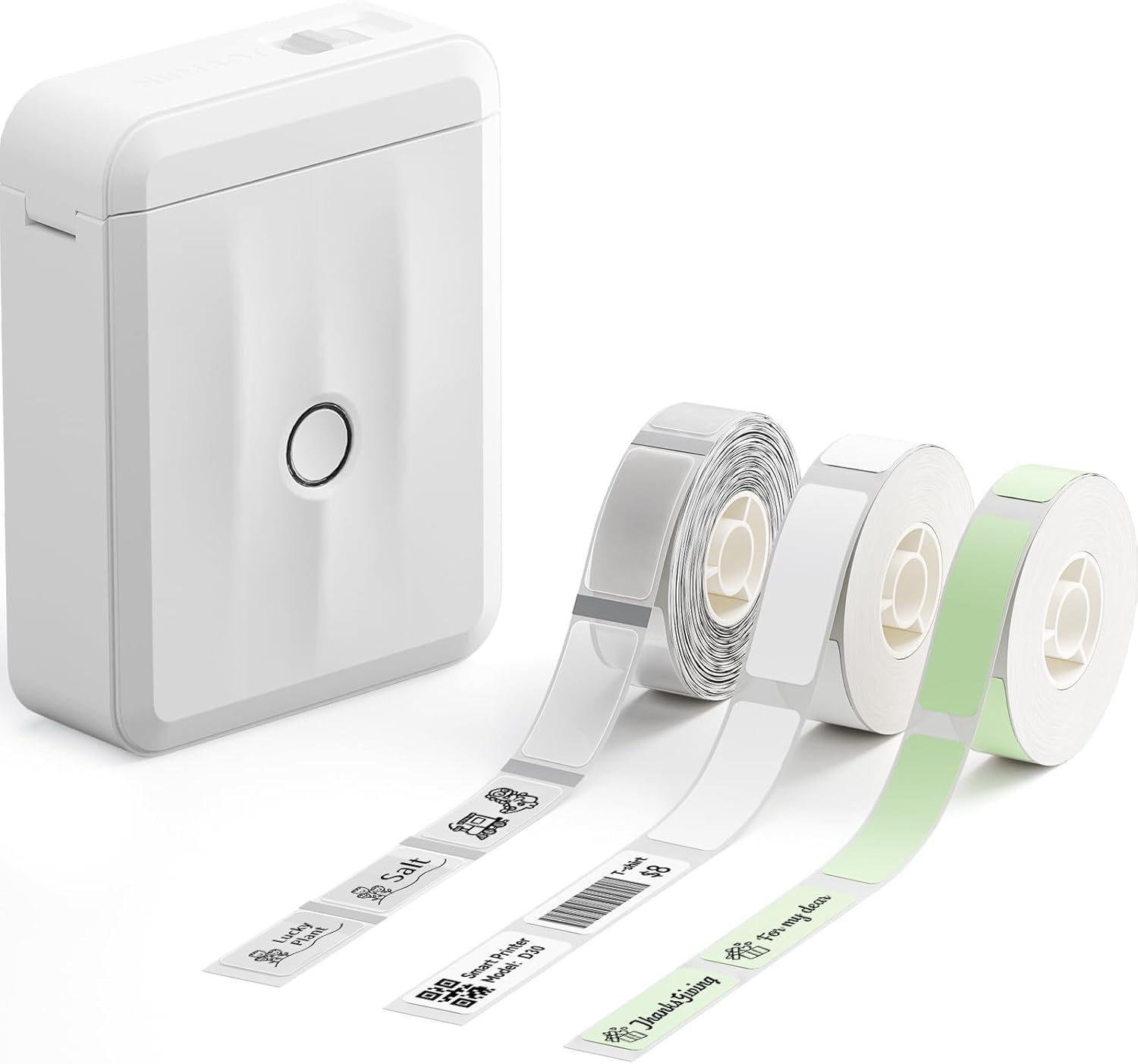
14,000+ ratings
Read Amazon ReviewsNIIMBOT D110
A pocketable, phone-driven label maker for families, students, and home organizers who need quick monochrome labels without ink or toner.
- Direct thermal printing at 203 DPI, with no ink or toner required.
- Bluetooth connection to iOS and Android smartphones through the NIIMBOT app.
- Batch printing for producing multiple labels in a run.
- Built-in rechargeable battery; the stated full charge time is two hours using the Type-C charging cord.

Pros
- Compact, rechargeable design makes it easy to keep near the supplies that need labeling.
- Inkless thermal operation keeps routine printing simple, without ink or toner purchases.
Consider before buying
- It does not work with computers, so label design and printing depend on a compatible smartphone and the app.
- The printer produces black text only; anyone wanting colored lettering or full-color graphics should choose a different printing approach.
Read the full review summary
The NIIMBOT D110 is designed for people who want to create practical labels without setting up a full desktop printer.
It connects to an iOS or Android phone through the NIIMBOT app, supports batch printing, and uses direct thermal printing, so there is no ink or toner to replace.
The listed 203 DPI resolution suits compact text labels and simple organization tasks; output is monochrome, with color coming from patterned label stock rather than colored printing.
Its strongest fit is a household, classroom, or small personal workspace where labels are made in short sessions and the printer may be carried between rooms.
The included three label tapes offer a starting selection, while automatic label identification is intended to simplify switching among supported paper types and sizes.
Buyers should plan around phone-based operation and check which refill format fits their intended labels before stocking up.
The buying factors
NIIMBOT D110 Scorecard
Editorial scores reflect listed features and buyer fit; they are not laboratory measurements or customer ratings.
Everyday organization
The suggested uses cover home storage, food date marking, cosmetics, school items, files, cables, and personal belongings.
Portability
The compact design and built-in rechargeable battery suit moving between rooms or carrying in a bag.
Setup and workflow
The app-based Bluetooth connection and batch printing support quick phone-led jobs, though computer printing is not supported.
Label flexibility
It supports several label types, including clear, colorful, gift-style, and round labels, with automatic identification.
Print versatility
The 203 DPI thermal output avoids ink and toner, but print itself is black text only.
Ready-to-use value
Three tapes are included, and the battery charges by Type-C; ongoing use depends on obtaining compatible refills.
Key Features and Specifications of NIIMBOT D110
- Direct thermal printing at 203 DPI, with no ink or toner required.
- Bluetooth connection to iOS and Android smartphones through the NIIMBOT app.
- Batch printing for producing multiple labels in a run.
- Built-in rechargeable battery; the stated full charge time is two hours using the Type-C charging cord.
- Automatic label identification and support for a variety of label sizes and types, including clear, colorful, gift-style, and round labels.
- Monochrome output prints black text; patterned label tapes can provide color backgrounds.
- The package is described as including three label tapes.
Pros and Cons of NIIMBOT D110
Pros
- Compact, rechargeable design makes it easy to keep near the supplies that need labeling.
- Inkless thermal operation keeps routine printing simple, without ink or toner purchases.
- Batch printing helps when several containers, folders, or school items need matching labels.
- Support for multiple label styles gives buyers options for different organizing jobs.
Consider before buying
- It does not work with computers, so label design and printing depend on a compatible smartphone and the app.
- The printer produces black text only; anyone wanting colored lettering or full-color graphics should choose a different printing approach.
- Refill compatibility matters: check that the size and type of label stock available for your use are supported before relying on a particular format.
Who Should Buy NIIMBOT D110?
Good fit
Consider the D110 if your labeling mostly involves short text for jars, storage bins, school supplies, cables, or office organization.
Its pocketable form, rechargeable battery, and smartphone connection are a convenient combination for occasional jobs around the home or classroom. Batch printing is useful when a one-off task becomes a set of matching labels.
It also makes sense for buyers who want to experiment with clear, round, or patterned labels while keeping the actual print simple and monochrome.
Before buying, choose a few likely projects and confirm the refill size and style you need are available for the D110. That check will help make sure the included tapes and future supplies suit your routine.
For a phone-first workflow, the listed two-hour Type-C charging time gives a concrete planning point.
The package includes three tapes, which should provide some initial material for trying the printer, though the supplied details do not specify how many labels each tape yields.
Who should skip it
Skip this model if your regular workflow starts on a desktop or laptop: it is not compatible with computers.
Also look elsewhere if you need colored print, large-format labels, or a printer designed specifically for shipping labels; the described D110 is a compact monochrome label maker for smaller organizational tasks.
How the NIIMBOT D110 Fits Everyday Labeling
A phone-centered printing routine
The D110’s Bluetooth connection and app put label design on a smartphone rather than on a built-in keyboard or computer. That arrangement suits quick household or classroom tasks, especially when a phone is already nearby.
It also means the app is central to the experience, so buyers should be comfortable composing and sending labels from iOS or Android.
Thermal output and label appearance
Direct thermal printing removes ink and toner from the supply list, while 203 DPI gives a useful resolution reference for compact text. The output remains black and white.
Patterned tape can add visual distinction through its background, but it does not turn the printer into a color printer; consider whether black lettering will be clear on the label stock you plan to use.
Choosing label stock
Automatic label identification is intended to make it easier to switch between supported formats, and the described range includes clear, colorful, gift-style, and round labels.
That breadth is helpful for a mixed set of organizing jobs, but compatibility should be confirmed at the refill level.
Buyers with a specific label dimension or shape in mind should verify that exact option before making it central to their setup.
Where it is most useful
The suggested roles span food-date reminders, storage, cosmetics, school belongings, files, cables, and small-business tags. These are all compact labeling tasks that can be handled from a phone and do not require computer printing.
For repeated batches of similarly named items, batch printing may reduce the friction of creating each label separately.
Alternatives to NIIMBOT D110
Desktop Label Printers alternative
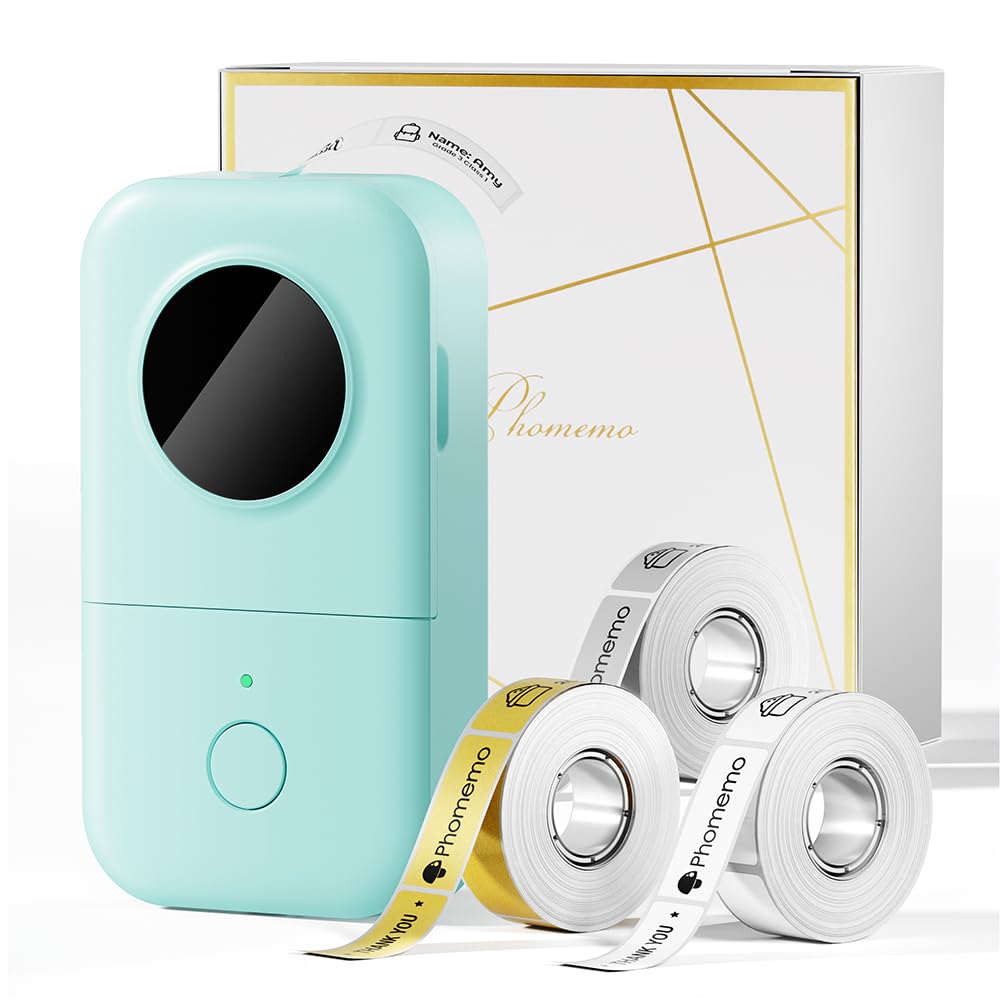
28,000+ ratings
Read Amazon ReviewsPhomemo D30
Choose the D110 for its stated automatic stock identification and included three tapes if its supported styles match your needs.
Consider the D30 if a broader set of design tools or continuous-length labels would make more difference to your projects.
- The Phomemo D30 supports continuous and fixed-length tapes and offers app templates with symbols, frames, fonts, barcodes, QR codes, images, OCR, and voice recognition.
- The NIIMBOT D110 supports batch printing, automatic identification, multiple label styles, and phone-based Bluetooth printing, but cannot print from computers.
Desktop Label Printers alternative
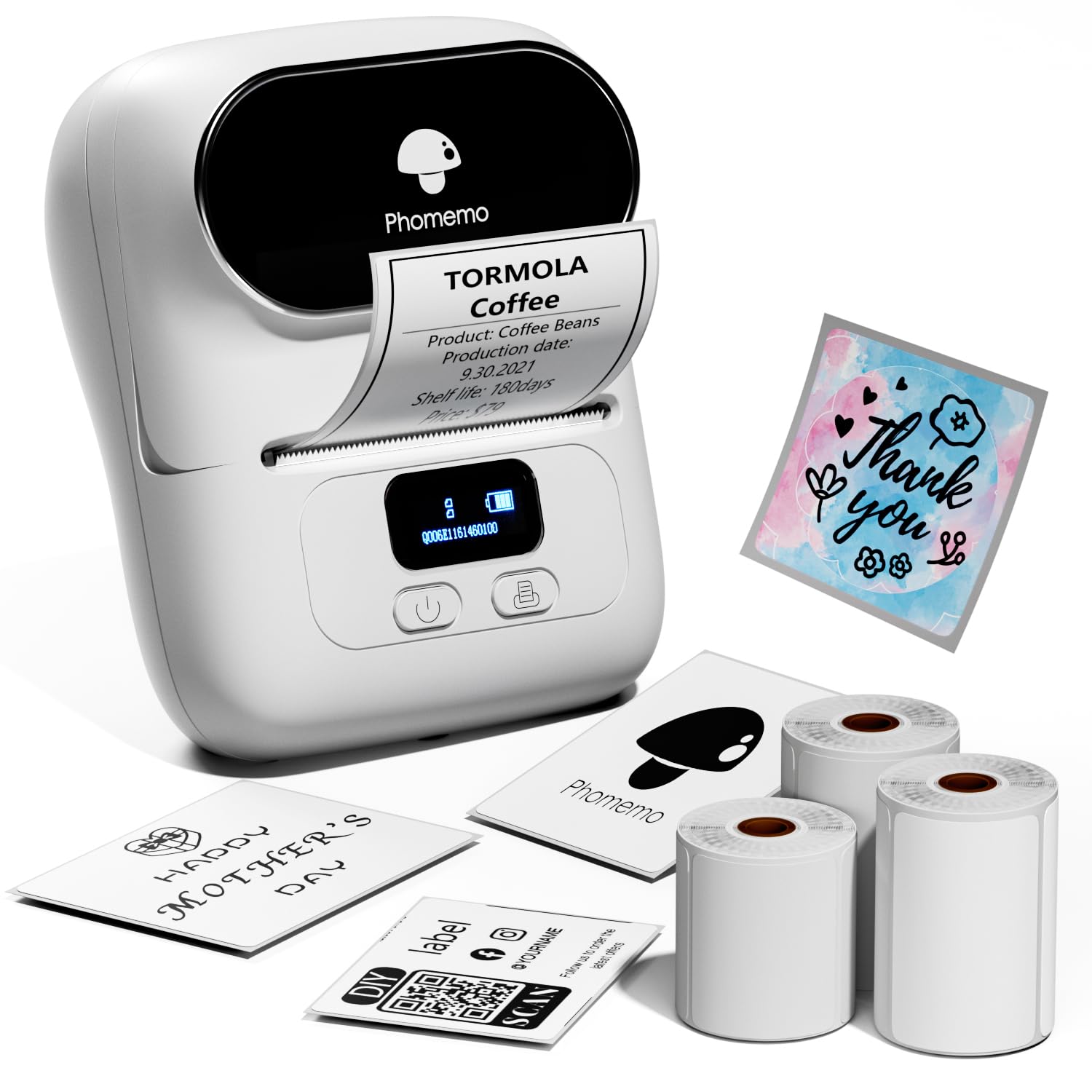
6,000+ ratings
Read Amazon ReviewsPhomemo M110
The D110 better matches buyers prioritizing a small everyday organizer with varied label styles. The M110 is worth comparing if its specified 20–50 mm width range and pre-cut clear label support fit a more defined labeling job.
- The Phomemo M110 supports label widths from 20 to 50 mm, clear labels, repeated printing, and Android and iOS app use; its listed package includes three label sizes and a charging cable.
- The NIIMBOT D110 is a compact, phone-connected model for general organization, with monochrome output and no computer support.
Is NIIMBOT D110 Worth It?
The NIIMBOT D110 is worth considering for phone-first buyers who want a compact, rechargeable label maker for household, school, and office organization.
Inkless printing, batch support, multiple label styles, and three included tapes make it a practical starter for common small-label jobs.
Its best fit depends on accepting black-text-only output and an app-based workflow with no computer printing.
Check refill compatibility for your preferred label format before choosing it; if those limits fit your routine, the D110 offers a focused, portable way to keep everyday items labeled.
Your review at a glance
14,000+ ratings
Read Amazon ReviewsNIIMBOT D110
A pocketable, phone-driven label maker for families, students, and home organizers who need quick monochrome labels without ink or toner.
- Direct thermal printing at 203 DPI, with no ink or toner required.
- Bluetooth connection to iOS and Android smartphones through the NIIMBOT app.
- Batch printing for producing multiple labels in a run.
- Built-in rechargeable battery; the stated full charge time is two hours using the Type-C charging cord.